The design phase is where planning intent meets technical reality. Before engineers invest weeks of build time, a product manager has to make sure the interface and interactions that users will actually touch are coherent, tested, and ready to hand off. This is the stage where a roadmap stops being an abstraction and starts becoming pixels, flows, and prototypes.
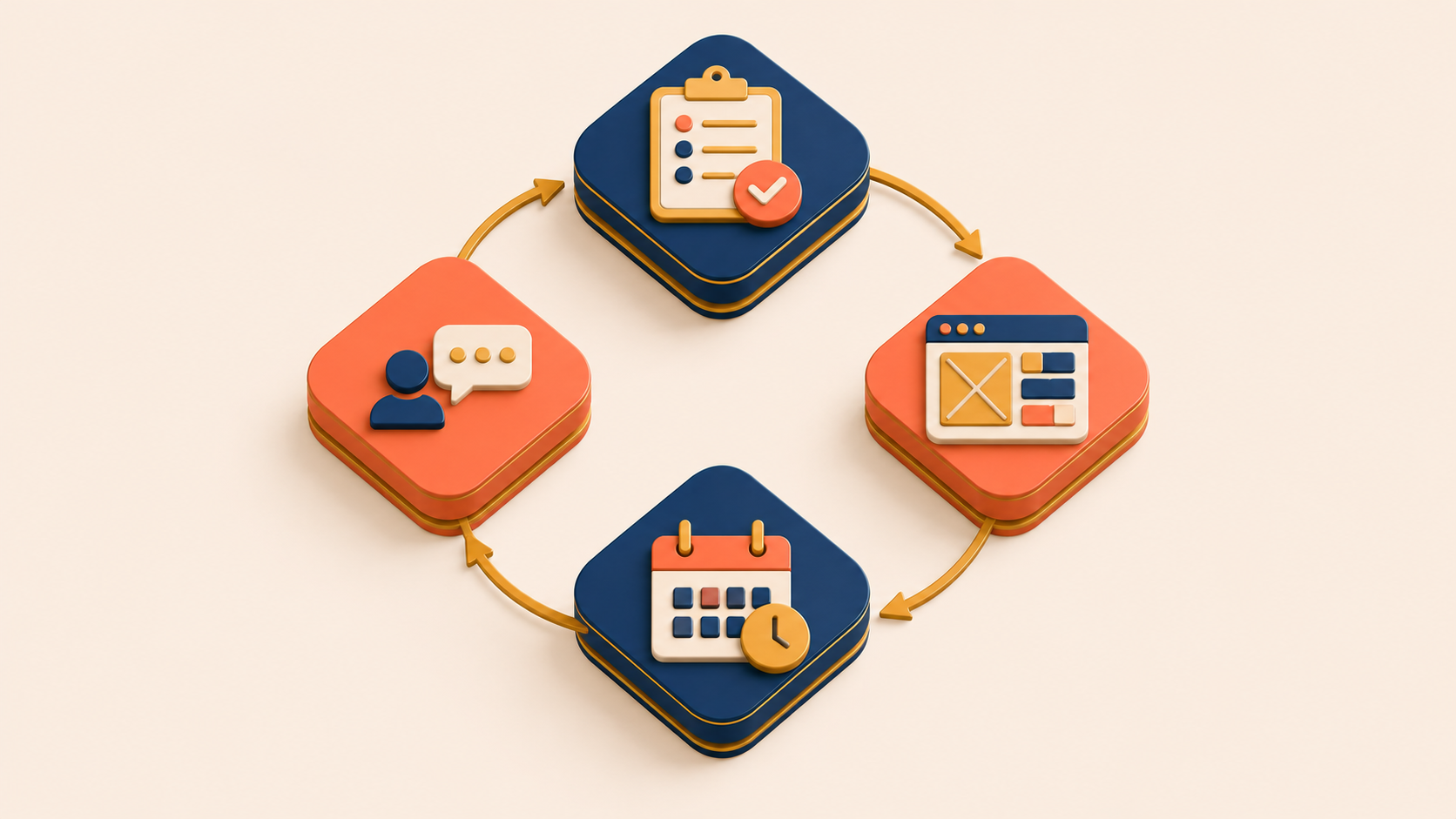
Product manager responsibilities in the design phase span four core activities: planning the design schedule, supporting design execution, running usability research, and managing the schedule when things shift. Each one protects a different kind of risk. Skipping any of them tends to surface later as rework, delayed launches, or a product that technically ships but quietly underperforms.
The four activities below appear in the order they tend to happen inside a real product manager workflow, with the deliverables, common failure modes, and lightweight techniques that keep design moving without slowing engineering down.
Design Schedule Planning
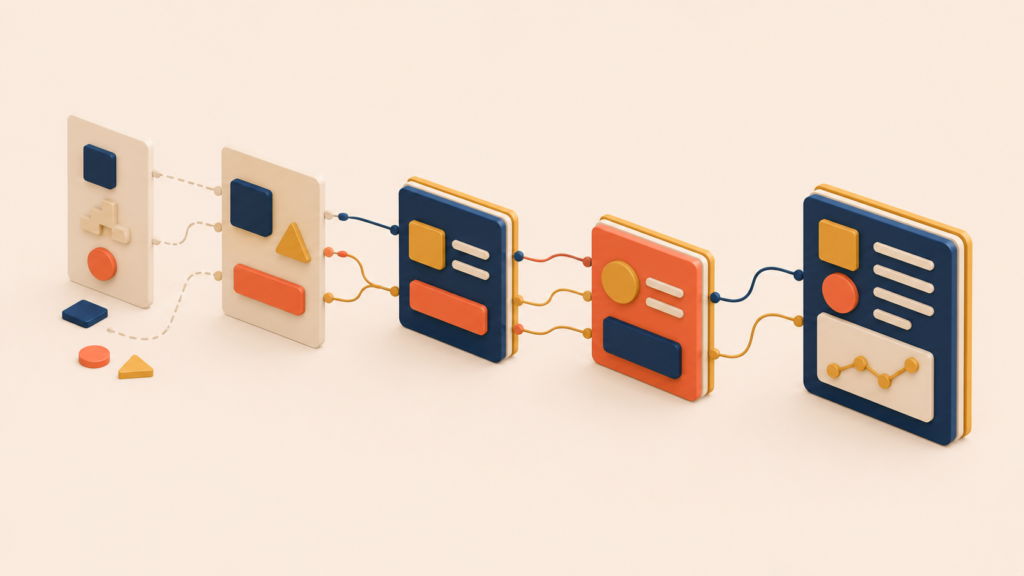
Design work is easy to underestimate. What looks like “a few screens” usually expands into dozens of states, edge cases, interactions, and responsive variants. Without a realistic schedule, design becomes the bottleneck that delays everything downstream.
Schedule planning also surfaces dependencies early. Design work often relies on confirmed requirements, content, or decisions that may not exist yet. Identifying those dependencies up front prevents mid-design surprises that force restarts.
Designers own the time estimates, dependency mapping, and sequencing. The PM coordinates that schedule with the broader project timeline and helps clear blockers when other teams hold up critical inputs. Engineers should review the design schedule too, so handoff timing matches the development plan and any technically complex areas get prioritized for early engineering review.
A clean design schedule covers three layers:
- Task breakdown: which features and screens need design, item-level time estimates, and a logical sequence based on dependencies.
- Timeline: start and end dates for major design deliverables, review checkpoints for feedback and iteration, and handoff dates aligned with the engineering schedule.
- Dependencies: content, copy, and assets needed from other teams, decisions that must land before design can proceed, and technical constraints that shape design options.
Design scheduling works like sequencing an interior renovation. Paint has to dry and electrical wiring has to be finished before wallpaper goes up. Skip the order and you tear the wallpaper down to redo it. In design, starting detailed visual work before requirements are confirmed produces the same outcome — rework that could have been prevented by sequencing.
Design Execution
Design execution is the core work of building the interface, interactions, and visual elements that users will see, touch, and respond to. Good execution makes complex features feel simple and intuitive, guides users toward successful task completion, builds trust through visual consistency, anticipates user needs to reduce cognitive load, and differentiates the product in a crowded market.
Design is not decoration applied at the end. It is a fundamental part of how the product works.
The work splits into three categories of deliverables:
- Visual design: high-fidelity mockups covering every screen and state, visual specifications for color, typography, spacing, and component styles, responsive variants, and developer-ready assets.
- Interaction design: user flow documentation that connects screens, interaction specs that define behavior per element, animation and transition definitions, and explicit handling for error states and edge cases.
- Design system contributions: new components added to the design system, documentation of reusable elements, and pattern guidelines that ensure consistent implementation across the product.
Design execution works like set design for a film. The audience only experiences what shows up on screen, but behind that final image sits a precisely calculated stack of decisions — lighting placement, prop detail, color harmony, camera angle. When users say “it just works,” that simplicity is the visible surface of many small, deliberate decisions stacked beneath it.
Usability Research
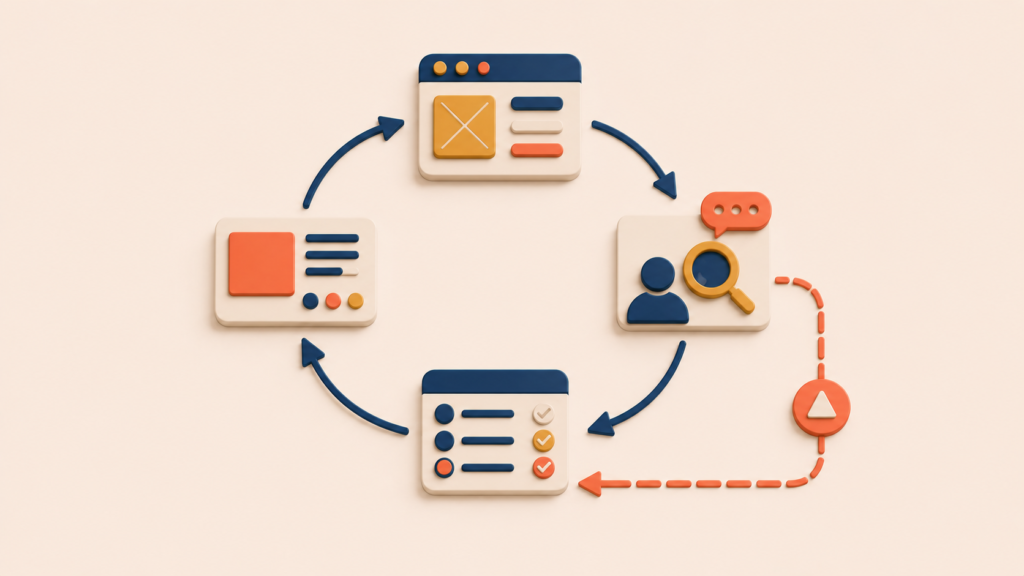
Before locking in a design and committing engineering investment, testing with real users surfaces problems that internal reviews miss. This is one of the highest-leverage moments in the entire product manager workflow.
Teams develop blind spots. An interface the team has stared at for weeks feels obvious to them but can confuse a user seeing it for the first time. Usability testing exposes that gap before it becomes expensive to fix. The return on investment is strong — even informal testing with a handful of users tends to reveal the most important issues.
Effective usability research produces three kinds of output:
- Problem identification: usability issues observed during testing, severity ratings for each, and patterns identified across multiple participants.
- Recommendations: design changes proposed to address each issue, prioritized by severity and feasibility, with trade-offs noted when a fix conflicts with another requirement.
- Documentation: a summary of the test methodology and participant profile, key findings backed by qualitative and quantitative evidence, and clear recommendations grounded in that evidence.
Usability testing does not require a lab or specialized equipment. Several lightweight UX research methods work well depending on the question:
- Moderated testing: when you need to understand the “why” behind a behavior.
- Unmoderated testing: when you need more participants or a faster turnaround.
- Prototype testing: when you need to validate concepts early in the design phase.
- Live product testing: when testing existing features or post-launch behavior.
- Guerrilla testing: when you need quick directional feedback without formal recruiting.
Research only matters if it changes a decision. For every major finding, the team needs to choose one of three responses: fix before launch, fix after launch, or accept the limitation. Any of these can be the right answer depending on context. What is not acceptable is ignoring findings without an explicit decision.
Usability research works like a rehearsal. Running a rehearsal before a play surfaces awkward lines and tangled blocking while there is still time to fix them. Discovering those problems in front of an audience costs far more than discovering them in the rehearsal room.
Design Schedule Management
Plans almost always change when they meet reality. Managing schedule changes transparently keeps small delays from compounding into large ones.
Design delays cascade. When design takes longer than planned, development starts late, launch slips, and marketing and business commitments take the hit. Early visibility into schedule changes is what allows the team to adapt rather than scramble.
A small set of causes accounts for most design delays. Each has a preventive move and a response move:
| Cause | Prevention | Response |
|---|---|---|
| Scope creep | Clear requirements up front, a change management process | Negotiate scope reduction or timeline extension |
| Requirement changes | Minimize changes mid-design, batch changes together | Assess impact, adjust scope or schedule |
| Underestimated complexity | Include uncertainty buffer, break work into smaller pieces | Identify what can be simplified |
| Feedback iterations | Build iteration time into initial estimates | Timebox the iteration cycle |
| Unmet dependencies | Identify dependencies early, track actively | Escalate blockers, work around where possible |
Short regular updates prevent surprises better than occasional detailed reports. A simple weekly status note — what is done, what is in progress, what is a concern — keeps stakeholders informed without imposing reporting overhead on the team.
Managing a design schedule is closer to course correction on a voyage than to plotting a fixed route. When wind and current shift, the destination does not move, but the path to it does. The important part is keeping everyone — the team, stakeholders, and dependent teams — informed about where you are now and how the estimated time of arrival has changed.
Conclusion
The four activities — schedule planning, design execution, usability research, and schedule management — form a loop, not a checklist. Schedule planning sets the conditions for execution. Execution produces something testable. Usability research determines what changes before handoff. Schedule management keeps the loop honest when reality pushes back on the plan.
Together they define what product manager responsibilities look like in the design phase: less about producing artifacts and more about protecting the conditions under which the team can produce the right artifacts. When the loop runs cleanly, design hands off something engineering can build with confidence, and the product reaches users in a shape close to what was intended.
The next stage — the development phase — picks up from this handoff. The same pattern repeats: planning the schedule, executing the work, validating through QA and QC, and managing the schedule as it meets reality. The next post in this series covers what that looks like in practice.
Leave a Reply