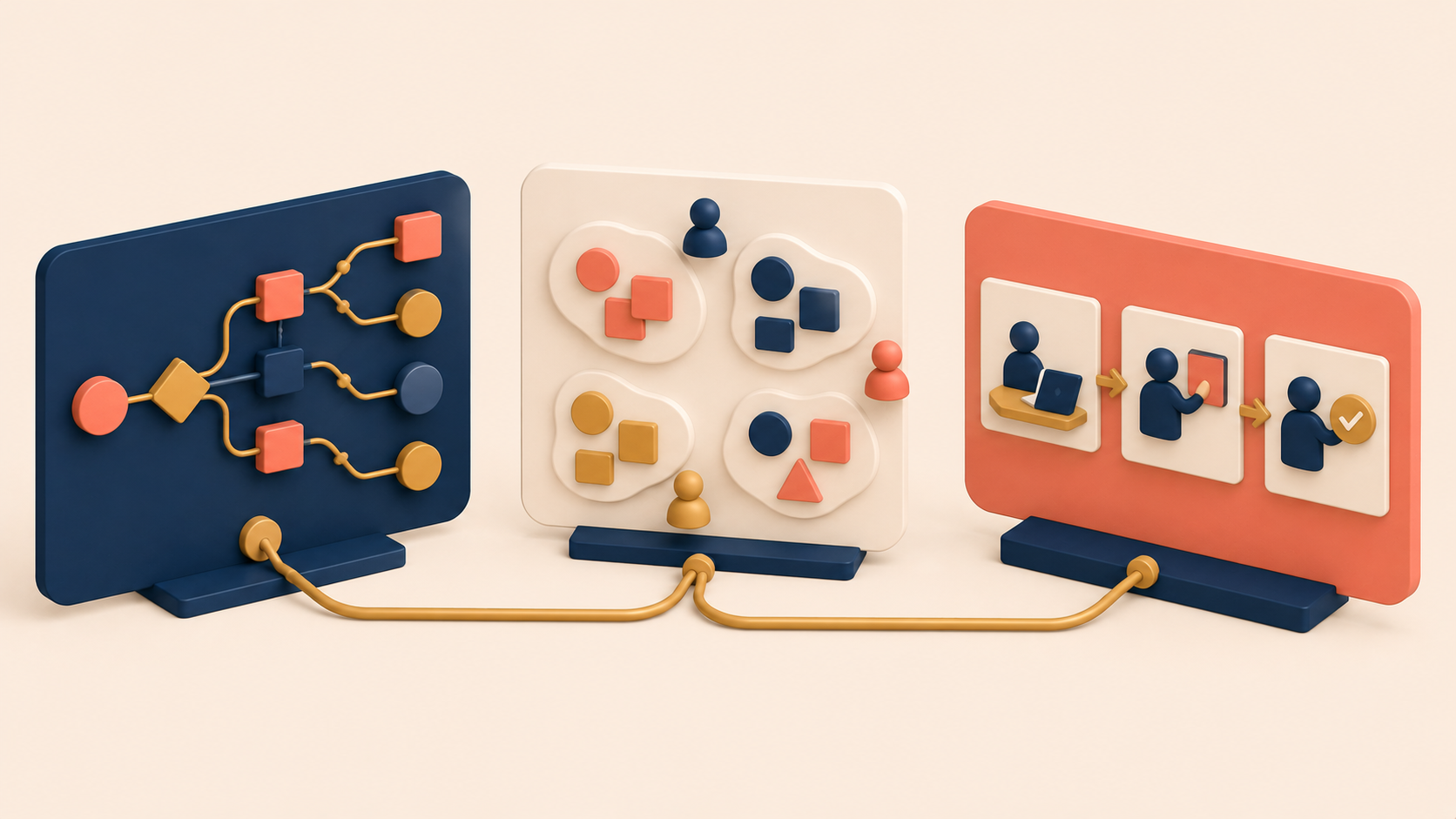
Contextual Inquiry produces raw, messy data. Field notes pile up. Quotes scatter across documents. Half-formed observations live inside one researcher’s head. On their own, none of these pieces drive product decisions.
The data only becomes valuable the moment a team converts it into a shared artifact — something everyone can point to, debate, and reason from together. That conversion is what Contextual Design does. Originally developed by Hugh Beyer and Karen Holtzblatt, Contextual Design is the bridge between field observation and product decisions: it structures messy field data into models the whole team can see.
The sections below cover the role Contextual Design plays after the field work ends, the three artifacts most teams actually use (workflow models, affinity diagrams, and storyboards), the four-stage translation from observation to solution, and what to do when direct observation isn’t possible.
From Contextual Inquiry to Contextual Design
Contextual Design is not a research method. It is a way to structure and externalize what the research already revealed.
Without it, the understanding of users stays trapped — in someone’s notebook, in the researcher’s head, in scattered anecdotes and stray documents. The team never really shares it. And without a shared version, decisions revert to whoever speaks loudest in the room.
The role of Contextual Design
Contextual Design turns three private things into three public ones:
- Individual observations become visible models.
- Personal insight becomes shared understanding.
- Messy reality becomes something the team can work with together.
The deliverable is not a “design file.” The deliverable is clarity. Through artifacts like workflow models, affinity diagrams, and storyboards, Contextual Design makes the user’s context visible.
When the work is done well, the team can clearly see how work actually flows, where problems happen, and which constraints repeat across many users. Messy context becomes a discussable thing.
How externalizing context changes the conversation
Once context is externalized, the character of the conversation changes.
Team members stop arguing from personal preference. They start interpreting a shared picture of user reality. The old style of debate sounds like this:
- “I think this is simpler.”
- “Users probably wouldn’t do that.”
The new style sounds different:
- “Drop-off repeats at this step.”
- “This workaround shows up across multiple sessions.”
The disagreement is no longer about individual taste. It is about what something means for the user.
Contextual Design as a cross-functional decision tool
Seen this way, Contextual Design is not a UX-only tool. It sits between roles — research, product, design, and engineering — and lets each of them reason from the same evidence.
The team may still disagree on the final solution. That’s fine. What matters is that the disagreement is about the same reality, not about competing imaginations of it.
The Three Practical Artifacts: Workflow, Affinity, Storyboard
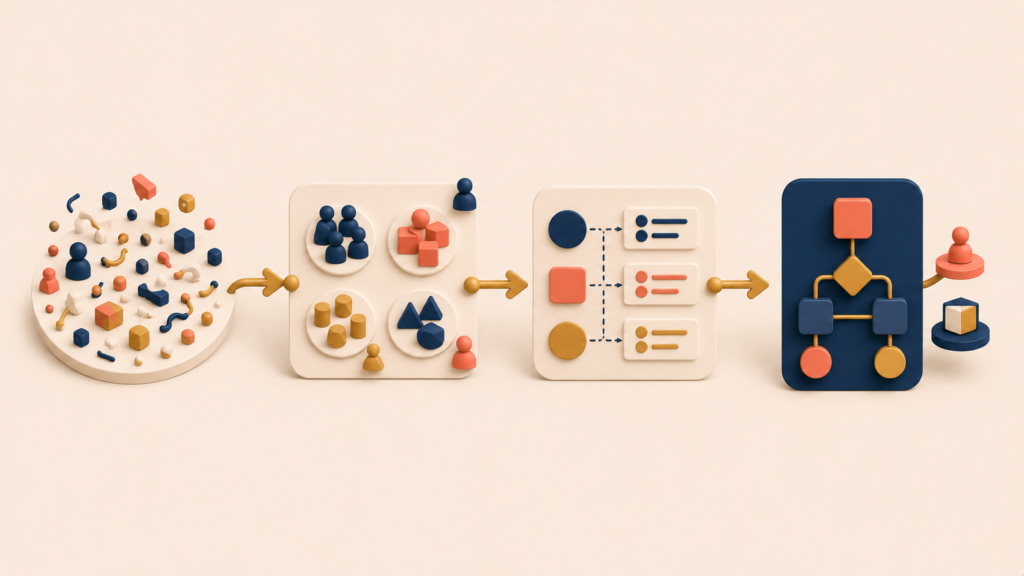
Three artifacts do most of the heavy lifting in practice. Each one externalizes a different layer of what the research surfaced.
Workflow modeling: visualizing the real flow of work
A workflow model captures how work actually moves, not how a flow diagram in a slide deck says it should. The model shows:
- The actions a user takes at each step
- The decision points where the path branches
- The places where work breaks down
The value is in the gaps between the official flow and the observed flow. Those gaps are usually where the product needs to change.
Affinity diagramming: grouping observations into themes
Affinity diagramming takes individual observations and surfaces structure out of them. The technique is simple:
- Write each observation on its own sticky note.
- Group the notes by similarity.
- Name each group with the theme that holds it together.
The themes are not decided in advance. They emerge from the data, which is why the method tends to surface patterns the team didn’t expect to find.
Storyboard: reconstructing the user journey as a story
A storyboard turns the same observations into a narrative. Instead of a list of steps or a cluster of themes, it shows the user’s journey as a sequence of moments. A good storyboard captures:
- The key moments visually
- The user’s emotions and thoughts at each step
- The contextual information surrounding the action
Stories travel further than slides. A storyboard is often the artifact that gets non-research stakeholders to feel the problem rather than just hear about it.
From Context to Decision: A Four-Stage Translation
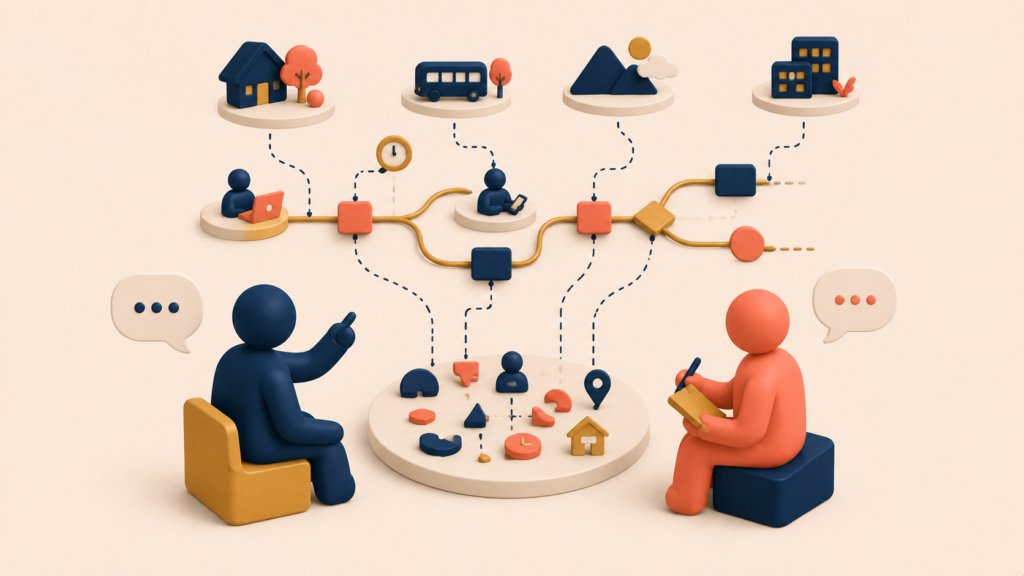
Context matters only when it changes a decision. Watching users work is not the goal. Building a better product is the goal.
The bridge between the two is a systematic interpretation process — four stages that translate raw observation into a defensible problem definition, and then into a defensible solution.
| Stage | What happens | Core question |
|---|---|---|
| Observation → Insight | Capture concrete behavior without assigning meaning yet; an early hypothesis starts to form | Why does this behavior exist? |
| Insight → Pattern | A repeated insight across multiple sessions starts to show structural similarity | Is this repeated, or situational? |
| Pattern → Problem Definition | The pattern is framed as a user problem in context — not as a solution | What is the problem, and in what context? |
| Problem Definition → Solution Definition | The team evaluates possible solutions against the observed reality and constraints | Does this solve the observed problem? |
Observation to insight: asking “why does this behavior exist?”
Everything starts with an observation. An observation is something concrete — something you can point to:
- “The user switches tools three times during a single task.”
- “The user hesitates before pressing the submit button.”
- “The user writes notes outside the system.”
There’s no meaning attached yet. It’s just reality.
The insight begins the moment someone asks why the behavior exists.
- Why switch tools?
- Why hesitate?
- Why write notes elsewhere?
At this point a hypothesis takes shape — but it’s still a hypothesis, not a finding.
Insight to pattern: repetition turns anecdote into evidence
One insight is interesting. A repeated insight is evidence.
Patterns answer the questions a single observation can’t:
- Is this common, or rare?
- Is it situational, or structural?
- Does it show up across different users?
This is why contextual research usually runs across multiple sessions. The repetition does the work. It moves a finding from “one user did this” to “this is how the work breaks down.”
Pattern to problem definition: naming the problem in context, not the solution
Finding a pattern is not permission to start designing. The pattern needs to be framed as a problem first.
A good problem definition has three qualities:
- It describes the problem concretely.
- It names the context.
- It does not propose a solution.
For example:
“Users lose confidence before submission because they can’t validate their data without leaving the workflow.”
That sentence describes a real situation, anchors it to a specific moment, and stops short of suggesting a feature. It is actionable without prescribing.
Problem definition to solution definition: context becomes the filter
Only after the problem is clear does the conversation turn to what to build.
At this stage, the team evaluates candidate solutions against the context, not against personal preferences. The questions are:
- Does it reduce the observed problem?
- Does it fit the real workflow?
- Does it create new friction somewhere else?
Context becomes the filter. Personal taste loses its grip on the decision. A practical way to make patterns visible at this stage is to combine affinity diagrams with the KJ method: write each observation down individually, group by similarity, and name the themes that surface. Externalizing the thinking this way also slows the team down enough to prevent premature conclusions.
When Direct Observation Isn’t Possible: In-Depth Interviews
Full contextual research is not always possible. Teams run into limits:
- Restricted access to users
- Sensitive environments where observation isn’t appropriate
- Tight time and resource constraints
For product teams working on B2B software or internal tools, “watch the user work” often isn’t an option at all. That doesn’t mean the team has to abandon context. It means the team has to find a careful way to recover similar data through interviews.
How to capture context through interviews
An in-depth interview only substitutes for observation when it is designed to reconstruct real situations — not to collect opinions.
The difference is in how the interview is run. Effective interviews focus on:
- Recent, specific events
- The actions the user actually took
- The tools they actually used
- The moments when something went wrong
The questions have to change shape. Low-value questions sound like:
- “What do you want?”
- “What do you think of this feature?”
Context-oriented questions sound like:
- “The last time this happened, can you walk me through it from the start?”
- “What was on your screen at that moment?”
- “When that step failed, what did you do next?”
The closer the conversation stays to real behavior, the closer it gets to real context.
Why Context Explains Product Success and Failure
Products never exist in isolation. They are always used:
- By a specific user
- To complete a specific task
- With specific tools
- Inside a specific environment
Ignore or oversimplify these conditions, and usability becomes a theoretical idea that lives only in someone’s head. Something that looked clear on a roadmap or in a design review collapses the moment it meets the real situation. This is why a product that was built “correctly” can still feel irrelevant.
A product built without context isn’t the result of optimization. It’s the result of luck. Deliberate design becomes possible only once the team knows how users actually experience the product, what constraints they work inside, and what problem they are actually trying to solve.
For the team’s decisions to rest on observation instead of memory, and on shared reality instead of individual interpretation, externalizing context is not optional. It is a requirement.
Meetings aren’t for talking. They’re for understanding context and deciding on top of that understanding.
Conclusion
Contextual Inquiry surfaces the raw material. Contextual Design makes it usable — through workflow models, affinity diagrams, and storyboards that turn private observations into shared artifacts. From there, the four-stage translation (observation → insight → pattern → problem → solution) carries the team from “we saw something” to “we decided something.” When direct observation isn’t possible, carefully designed in-depth interviews can recover much of the same context, as long as they focus on real events rather than opinions.
Across this three-part series — Context of Use, Contextual Inquiry, and Contextual Design — the underlying claim is the same. Products live inside context, and the teams that externalize that context are the ones whose decisions are repeatable. The rest are guessing.
Contextual Design Series
(1) Context of Use: Why User Research Without Context Fails
(2) What Is Contextual Inquiry? Definition and 4 Core Principles
(3) Contextual Design: Turning User Observations into Product Decisions